
The Work With Users/Groups window features four tabs at the top. Select a tab below to access detailed information about that specific tab.

User/Group Administration
Record Type: In the top left corner of this window, you can select the Record Type, User or Group.
User/Group Search: Enter a search word and hit enter
Buttons
- New: Opens a new Maintain Group or Maintain User Window to create a new record
- Modify: Opens up a Maintain Group or Maintain User Window for the selected record
- Delete: Deletes selected record
- Refresh: Refreshes list of records
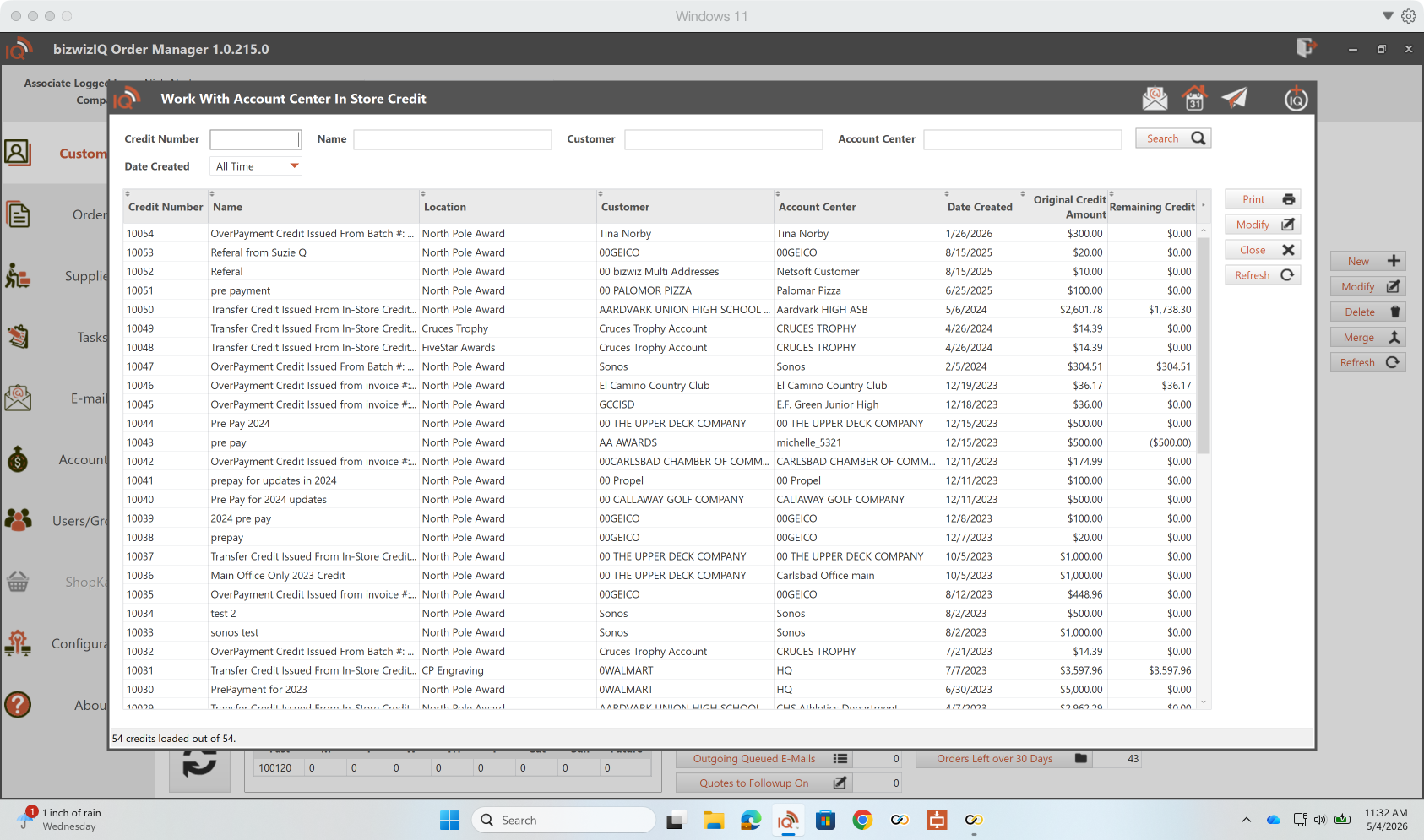
All In-Store Credits
To access the Work With All In-Store Credits, click on All In-Store Credits. Within this window, you can search for any In Store Credit by Credit Number, Name, Customer, or Account center. The more blocks you fill, the narrower your search will become.
Invoice Batch Payment
Invoice Batch Payments enables you to post a batch (multiple) of payments to various customer invoices. If you have several checks or a check that pays for multiple invoices, utilize Invoice Batch Payment to simplify the process of applying various checks to different invoices.

Export Orders to Excel
